A LINEINTEL COMMAND SOLUTION
Storm Response
Establish a common operating view, assign work and coordinate dispersed crews with LineIntel Command.
The Challenge
After severe weather, changing conditions and dispersed teams make coordination difficult. Utilities need a shared picture of reported damage, assigned work and completed repairs so the next decision reflects what is happening in the field.
- Bring existing system data into a common operating view
- Locate reported conditions and prioritize follow-up
- Assign work across dispersed crews and contractors
- Capture status, notes and images from the field
- Review completion records and carry learning into recovery
TENNESSEE · FEBRUARY 2026
Ice Storm Fern
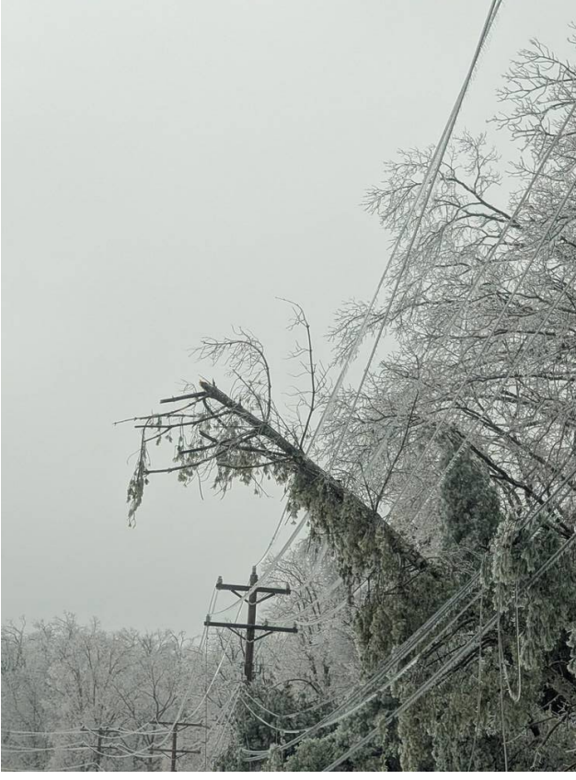
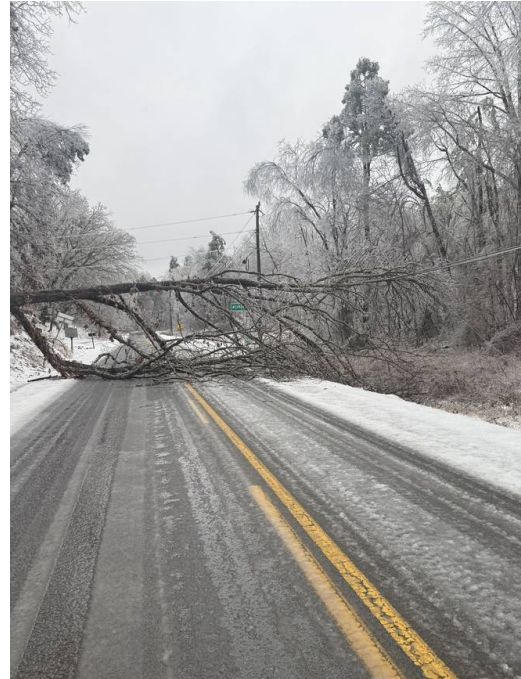
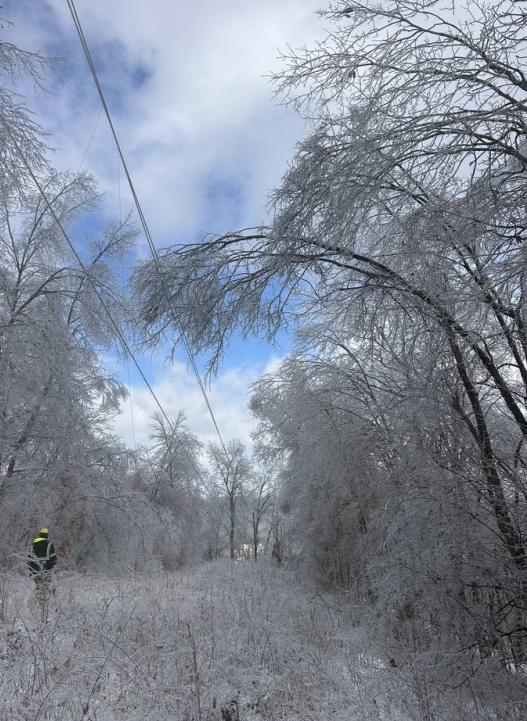
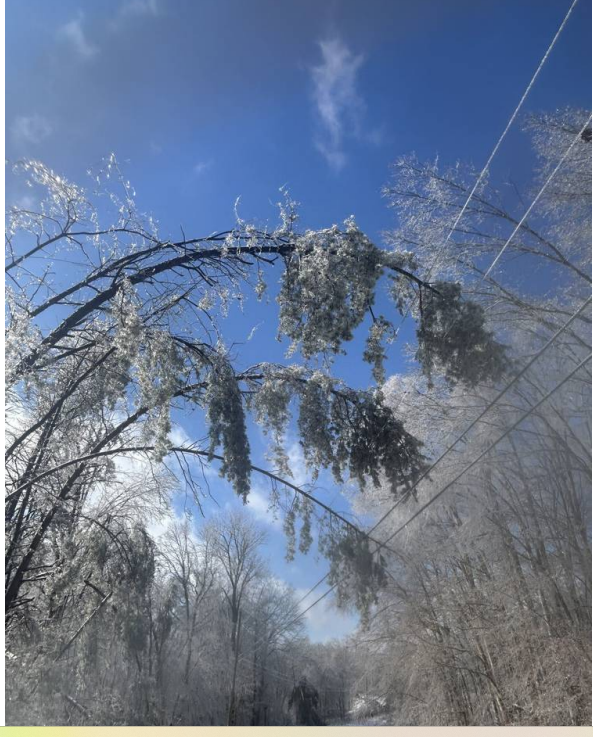
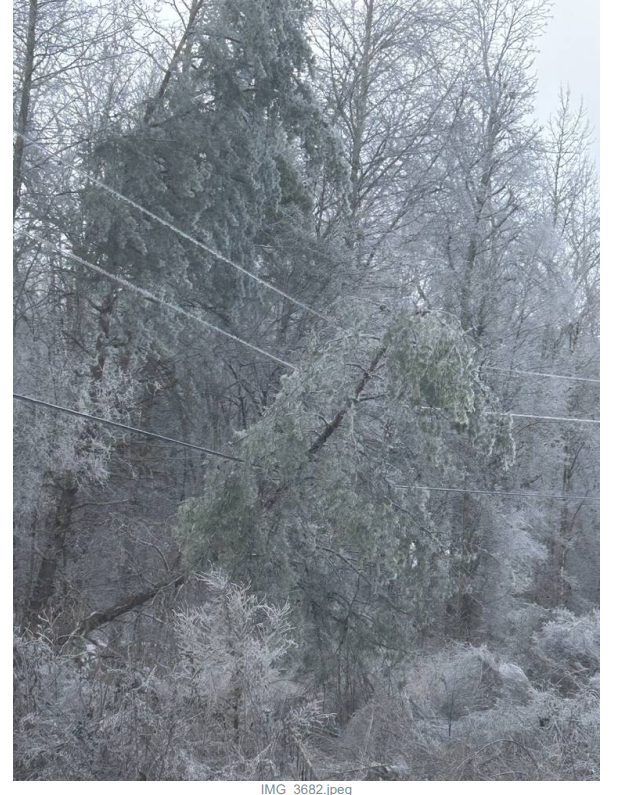
Ice-covered trees leaning across utility lines
A common operating view
Connect system information with reported conditions and active work.
Coordinated assignments
Keep office teams, contractors and crews aligned as response priorities change.
A record of the response
Retain field notes, images and work status to support verification and subsequent planning.
How Command connects the work
- 01
See
Bring existing system data, work records and field observations into one visual operating view.
- 02
Prioritize
Decide what matters first using location, actual need and operating context.
- 03
Act
Assign work, connect crews and capture status, notes and images from the field.
- 04
Improve
Review outcomes and use operating history to guide the next planning cycle.
COMMAND IN PRACTICE
From storm response to everyday work.
During Ice Storm Fern in 2026, Meriwether Lewis used Command to coordinate dispersed crews and verify completed work.
Read the Meriwether Lewis story →- <4 hours
- From shapefiles to operating view
- 500+
- Work orders reported
- Beyond the storm
- Continued use for vegetation work management
Start with the data you already have.
No new inspection cycle required. We’ll coordinate access, review your data and help select a practical starting workflow.